
9kboss App for Android and iOS in India
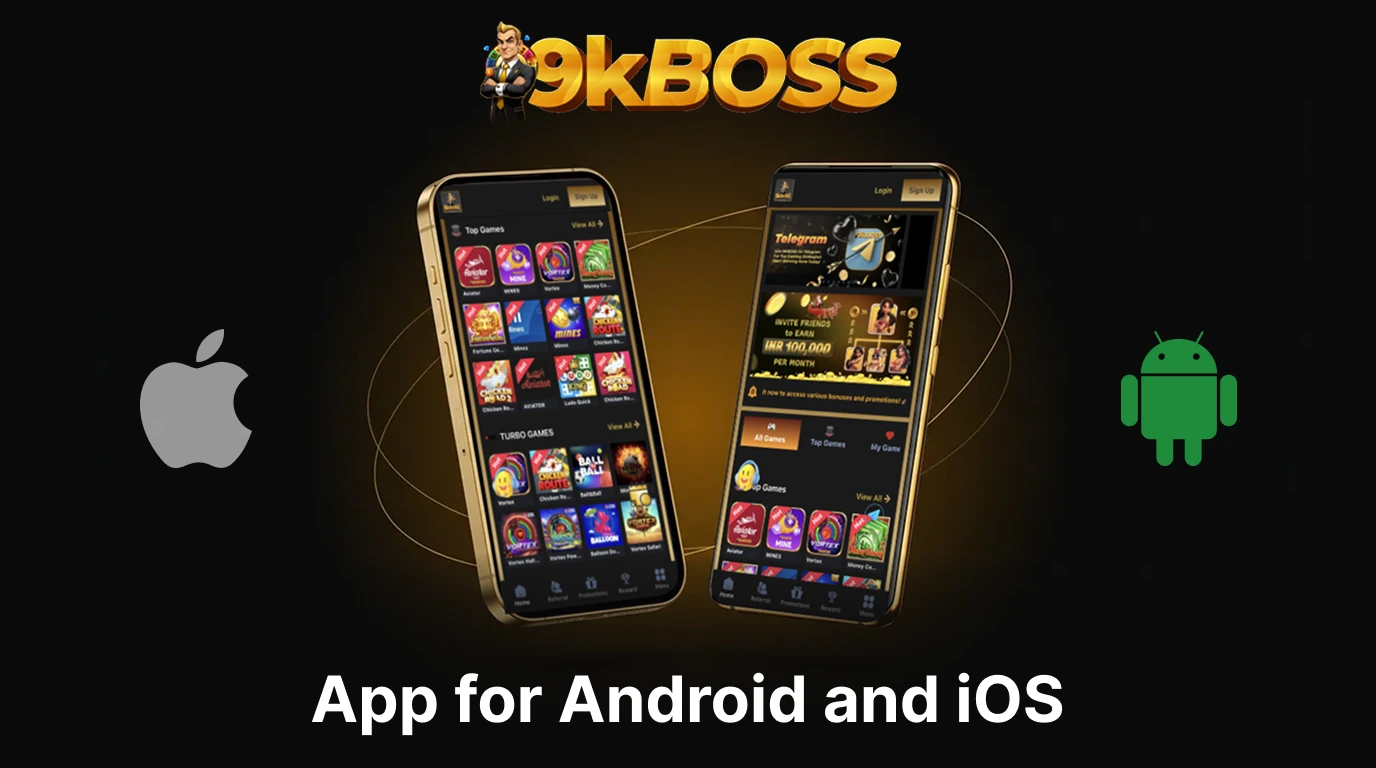
The 9kboss app gives players in India the full casino, live cricket betting and the UPI cashier on a phone. Android users install a free 35 MB APK file, and iPhone users add the iOS app as a PWA through Safari. Both versions share one account, one balance and the same bonuses. Download the app, register and claim the welcome bonus of 150% up to ₹10,000 plus 600 free spins.
9kboss App Download for Android
The 9kboss app for Android downloads from the 9kboss site in about two minutes. Players open the site in Chrome, tap Download App in the header and save the 35 MB APK file. A stable 4G connection finishes the download in under 30 seconds, and Wi-Fi takes even less time.
Android blocks files from outside the official store by default, so the phone asks for permission to install from the browser once. After that, the installer unpacks the app in about 15 seconds. Players log in with existing details or open a new account right inside the app. The first screen shows live cricket odds and featured slots by Pragmatic Play and Evolution.
The direct download brings each new version to the site on release day, with no store review delays and no regional blocks. The only risk comes from mirror domains and modified APK files on forums. The official file carries 256-bit SSL/TLS protection and comes from a casino with Curaçao licence 8048/JAZ2024-015.
Play Protect sometimes shows a warning about an unknown developer. The warning appears for every APK outside the official store and does not mean a virus. Players check the file size of 35 MB and the download source in the browser history, and the install continues after a tap on Install anyway.
| Parameter | Details |
|---|---|
| Cost | Free |
| Weight | 35 MB |
| App Version | Latest release on the official site |
| Languages Available | English, Hindi |
| Supported OS | Android 6.0+, iOS through Safari (PWA) |
9kboss App for iOS
There is no IPA file of the 9kboss app. The iOS app works as a PWA – a web app that opens full-screen from the home screen of an iPhone or iPad. It loads the same 3,000+ games, live betting and UPI cashier as the Android app.
The PWA keeps players signed in between sessions and sends push alerts after permission. On recent models like the iPhone 16 and iPhone 17, the lobby opens fast, live odds update in real time and UPI payments open the banking app in one tap. The PWA takes almost no storage and updates itself on every launch, so players never download new versions by hand.
Install on iOS
- Open Safari. Go to the official 9kboss site on the iPhone or iPad.
- Tap Share. Press the share icon at the bottom of the screen.
- Add the app. Choose Add to Home Screen and confirm the name.
- Log in. Open the new icon and sign in or register.
The icon looks and works like a regular app. Players move it to any home screen page or folder, and the session stays active after a phone restart.
The PWA works on iOS 16.4 and newer, the first version with web push alerts. Chrome and other browsers on iPhone add a shortcut too, but only Safari gives full-screen mode and push alerts. Players with an older iOS update the system in Settings, then General and Software Update, prior to the install.
Features of 9kboss App for Players in India
The app keeps every section of the desktop site. Pragmatic Play slots like Gates of Olympus and Sweet Bonanza, Evolution tables like Lightning Roulette and Crazy Time and Spribe crash games like Aviator, Mines and Plinko run smoothly on mid-range phones at 60 frames per second. The betting section covers the IPL, international series and domestic T20 leagues with live odds after every ball.
The search bar accepts English and Hindi spelling and filters games by provider, volatility and RTP. VIP progress syncs between the app and the site, so bets on a phone count toward the same cashback tier – Entry 5%, Mid 10%, High 15% or Elite 20%.
Live dealer tables cover Indian favourites. Andar Bahar and Teen Patti from Ezugi start at ₹50 per hand, and Hindi-speaking dealers host several tables in the evening. Players switch the stream quality between HD and SD to save mobile data on 3G.
Cash-out and a bet builder work in the app for cricket and football. A bettor combines the top batter, total sixes and the match winner in one slip and closes the bet early in case of a sharp change in the game. Push alerts report the result of each bet within seconds.
The betslip in the app has a simpler layout than the desktop version. Bettors with long cricket accumulators build them faster in a browser.
The main features of the app include:
- full lobby with 3,000+ games;
- live and pre-match cricket betting;
- instant deposits through UPI, Paytm and PhonePe;
- HD live dealer streams from Evolution and Ezugi;
- fingerprint and face login;
- 24/7 live chat inside the app.
How to Install 9kboss App on Android
The install takes five steps and about three minutes in total. Players keep the official site in bookmarks and avoid mirror domains in search results. Mirror sites often host outdated versions or fake files.
- Open the site. Launch Chrome and go to the official 9kboss site.
- Start the download. Tap the download banner or Mobile App in the menu.
- Allow the install. Open Settings, then Security or Apps and Special access, and allow installs from the browser.
- Install the app. Return to the file in Downloads and tap Install.
- Log in. Open the app, sign in or register and turn on fingerprint login.
New players often register on the desktop site first. The larger keyboard speeds up the form, and the welcome bonus of 150% up to ₹10,000 plus 600 free spins works in the app right after the first deposit. Biometric login cuts about ten seconds from every later launch.
Search results show offers like a 9kboss APK hack or mod. The games run on the casino servers, and no file changes the RTP or adds money to a balance. Such files steal logins or install malware, so players use only the official APK.
The app shows a notice about each new version every few weeks. Players install the new APK over the old one, and the login, saved payment method and settings stay in place.
9kboss App System Requirements in India
The 9kboss app runs on Android 6.0 and newer, which covers almost every phone on sale in India. Live dealer streams need at least 2 GB of RAM and a quad-core processor. Phones with less memory launch the app but stutter during HD streams and close it in the background.
| Component | Minimum | Recommended |
|---|---|---|
| Android version | 6.0 | 10 or newer |
| RAM | 2 GB | 4 GB |
| Free storage | 100 MB | 200 MB |
| Connection | 3G, 2 Mbps | 4G or Wi-Fi |
The 35 MB install grows to about 60 MB with cache and saved login data. Favourite games add another 20–30 MB of thumbnails over time. On 2025–2026 models like the Redmi Note 14, Realme 14 Pro and Samsung Galaxy A56, the lobby opens in about two seconds on 4G, slots run without dropped frames and cricket odds refresh every few seconds.
Low-memory phones close apps in the background, and an unsent betslip disappears. Players confirm each bet first and switch to WhatsApp or other apps only after that. Budget phones with 1 GB of RAM handle slots but struggle with live dealer streams.
Battery use depends on the game type. An hour of slots takes about 8–10% of the charge on a modern phone, and an hour of HD live dealer streams takes 15–20%. Battery saver mode in Android lowers the frame rate, and players turn it off for live tables. Data use stays low for slots at 20–40 MB per hour, and HD streams use up to 500 MB per hour.
Payments in 9kboss App
The cashier in the app matches the desktop version. Players tap the wallet icon, pick UPI, Paytm, PhonePe, IMPS or crypto, enter at least ₹100 and approve the payment in the banking app. UPI deposits land in seconds, and IMPS takes a few minutes during bank maintenance windows.
Withdrawals need a verified account. The app has a built-in document scanner for Aadhaar and PAN, and players skip separate file uploads. Crypto payouts arrive within 24 hours after approval, and UPI and bank transfers take 1–5 business days.
Each transaction appears in the history with a time stamp and a reference number. The history filters by date, method and status and helps with tax records and support requests. The app remembers the last payment method, and a repeat deposit takes two taps.
Minimum amounts in the app match the site. UPI, Paytm and PhonePe start at ₹100, and cards, IMPS, NEFT and crypto start at ₹500. 9kboss charges no fees on deposits or withdrawals in the app. Withdrawal limits depend on the VIP tier and range from ₹10,000 per transaction for Entry and Mid players to ₹50,000 for Elite members.
A failed UPI payment usually returns to the bank account within 24–48 hours. Players take a screenshot of the UPI reference number and send it to live chat inside the app, and the agent checks the transaction with the payment provider.
Limits and fees for every payment method sit on a separate page. The welcome bonus page explains wagering requirements, eligible games and expiry dates.
9kboss App Security in India
Every app session runs over 256-bit SSL/TLS encryption, and logins and balances stay private on public Wi-Fi. The Curaçao licence 8048/JAZ2024-015 requires regular audits of the random number generators. Registration in the app checks that each player is 18 or older. Biometric login keeps other people out of the account on a shared phone.
Two-factor authentication adds an SMS code to every new login. Players turn it on in the security settings of the app and get an alert after each login from a new device. A lost phone needs a quick message to live chat, and the agent closes all active sessions at once.
The official APK asks only for storage, notifications and camera access. The camera serves the document scanner for KYC. An APK with requests for contacts or SMS access comes from a fake source.
Deposit limits for a day, week or month, cool-off periods and self-exclusion sit in the account settings. The app has no session reminders yet, so players set a timer for 9kboss in Digital Wellbeing on Android or Screen Time on iPhone. The responsible gambling page lists free helplines in India.
FAQ
Does one account work in the app and on the site?
One login works in the Android app, the iOS PWA and on desktop. Balance, bonuses and VIP progress sync in real time.
Why does the APK need permission for unknown sources?
The Android app comes from the official site, not from a store. Android asks for permission once to install such files from the browser.
How does the 9kboss app update?
The Android app shows a notice about each new version. Players install the new APK over the old one, and the PWA updates itself on launch.
What happens to a game after a connection drop?
The server fixes each slot result at the moment of the spin, and the outcome stays the same. Confirmed cricket bets remain valid after reconnection.
Does the 9kboss app cost money?
The download and the app cost nothing. Players pay only for the deposits they choose to make.
Which phones run the 9kboss app?
Any Android phone with Android 6.0 and 2 GB of RAM runs the app. iPhone and iPad users install the PWA through Safari.